
Starting in the Grove
Choose a Witchie, restore the first paths, and understand what to do after onboarding.
Follow Grove Restoration
Grove Restoration introduces the systems used most often. Complete the highlighted next chapter instead of trying to learn every destination at once.
- Name your first Witchie and select it as your active companion.
- Complete one care action, then buy and equip a familiar.
- Plant and water the starter seed to reopen the path to Starla.
- Speak with Starla to restore the Wizard Tower path.
Build a simple daily rhythm
There is no need to visit every page every day. Start with care, garden actions, friendship visits, and any quests you want to pursue.
- Check your active Witchie and perform available care actions.
- Water or harvest plants in Fairy Garden.
- Visit Fairy, Starla, and the Wizard for available friendship actions.
- Review Quests and the Seasonal Grimoire for optional goals.

Witchies, eggs, and daily care
Learn active Witchies, growth stages, care items, familiars, breeding, retirement, and memorial spaces.
Eggs and growth
The Grove offers eggs that develop through their own growth stages. The Sanctuary holds every Witchie you own and shows which companion is currently active.
- Claim an available egg in the Grove and check its progress over time.
- Hatching and growth are not instant; return later when a stage is still developing.
- Use the star control in Sanctuary to set the Witchie shown across the site.
Care and familiars
Witchie profiles contain pet, feed, play, reading, familiar, and appearance controls. Most item actions consume one matching inventory item.
- Food, toys, and books come from shops, rewards, crafting, and trading.
- Buy familiars from Familiar Friends, then equip and optionally name one from the Witchie profile.
- Wardrobe changes owned realms, foregrounds, and cosmetics without changing the Witchie's species.
Breeding and later life
Eligible Witchies can participate in breeding systems and may eventually move into retirement spaces. These are long-term systems, not onboarding requirements.
- Breeding outcomes can reflect species, variants, and special hybrid rules.
- The Eternal Grove is the peaceful home for retired Witchies.
- The Graveyard contains its own themed encounters and collectibles.
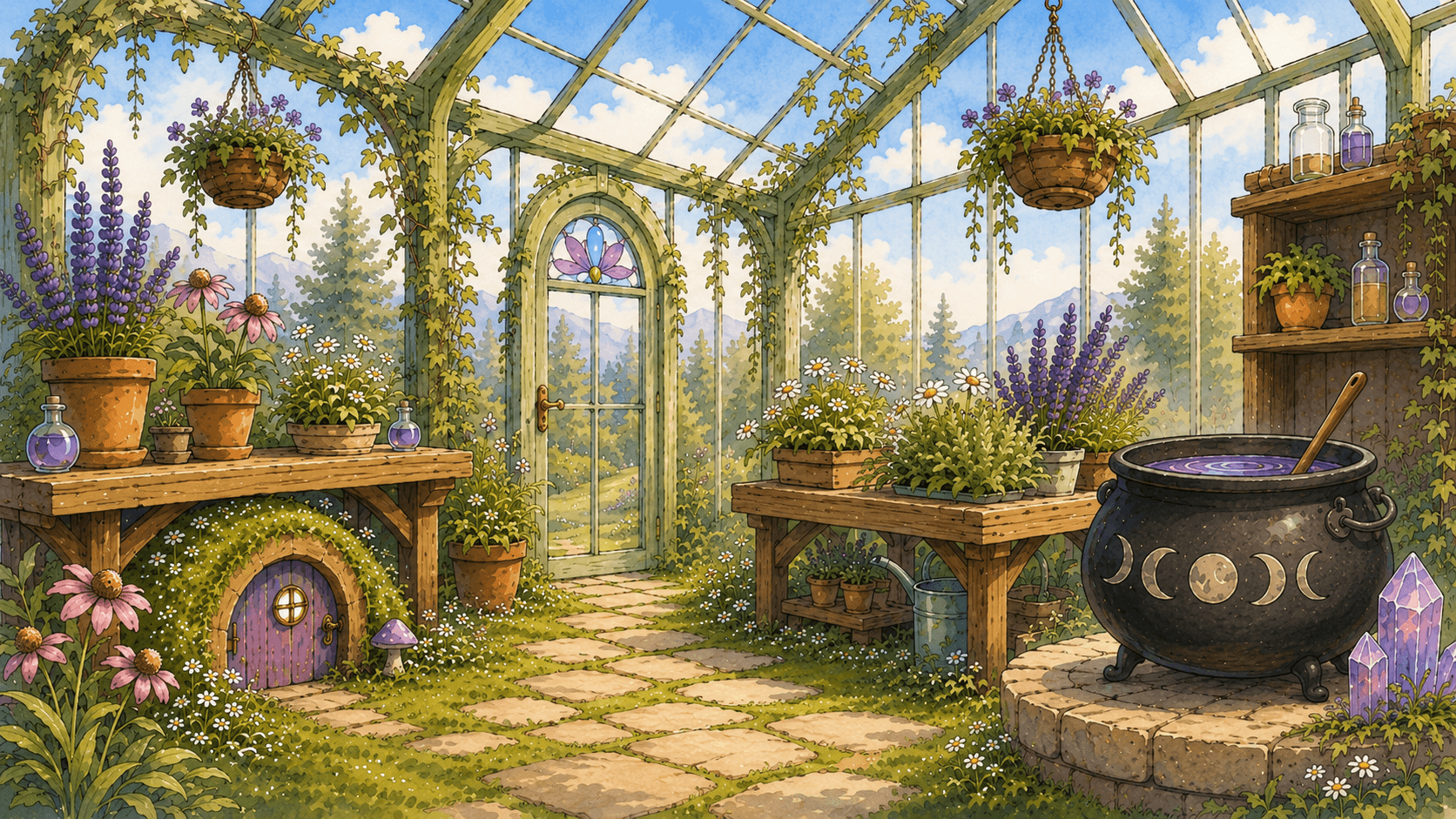
Grove destinations and friendships
Understand the Grove, Fairy Garden, Starla's Observatory, Wizard Tower, and friendship rewards.
Restore destinations
Grove Restoration opens Fairy Garden, Starla's Observatory, and Wizard Tower in sequence. Explore remains the directory for every destination after those paths are open.
- Care for a Witchie to open Fairy Garden.
- Equip a familiar, then plant and water a seed to reach Starla.
- Speak with Starla to open Wizard Tower.
Friendship progress
Fairy, Starla, and the Wizard each have their own interactions, progress, and rewards. Available actions can reset on a daily cadence.
- Dialogue and gifts can increase friendship when the action is available.
- Friendship levels unlock rewards, recipes, and special items.
- An unavailable action usually means it has already been used for the current game day.
Inventory, currencies, and rarity
Find items, understand Coins, Essence, and Moonmarks, and use the Safe without losing track of resources.
Three main currencies
Each currency belongs to a different part of the game. The header shows current balances and links to the most relevant destination.
- Coins pay for most shops, games, and player-market transactions.
- Essence buys premium packs and premium collector items.
- Moonmarks are earned from Seasonal Grimoire tasks and spent on the active chapter's reward pages.
Inventory and Safe
Inventory stores usable and collectible items. The Safe separates protected currency and selected items from everyday spending surfaces.
- Item quantities change when an item is consumed, gifted, sold, or crafted.
- Deposit currency in the Safe when you do not want it included in normal spending.
- The currency activity page records Safe deposits, withdrawals, and interest claims.
Rarity and availability
Rarity describes collectibility, while availability describes where and when an item can be obtained. A rare item is not necessarily premium, seasonal, or permanently unavailable.
- Standard rarities range from Common through Legendary, with Premium used for premium catalog items.
- Some items are shop stock, some are rewards, and others belong to limited or seasonal pools.
- Use Field Guide collections to track discovered books, tarot cards, spell pages, and achievements.
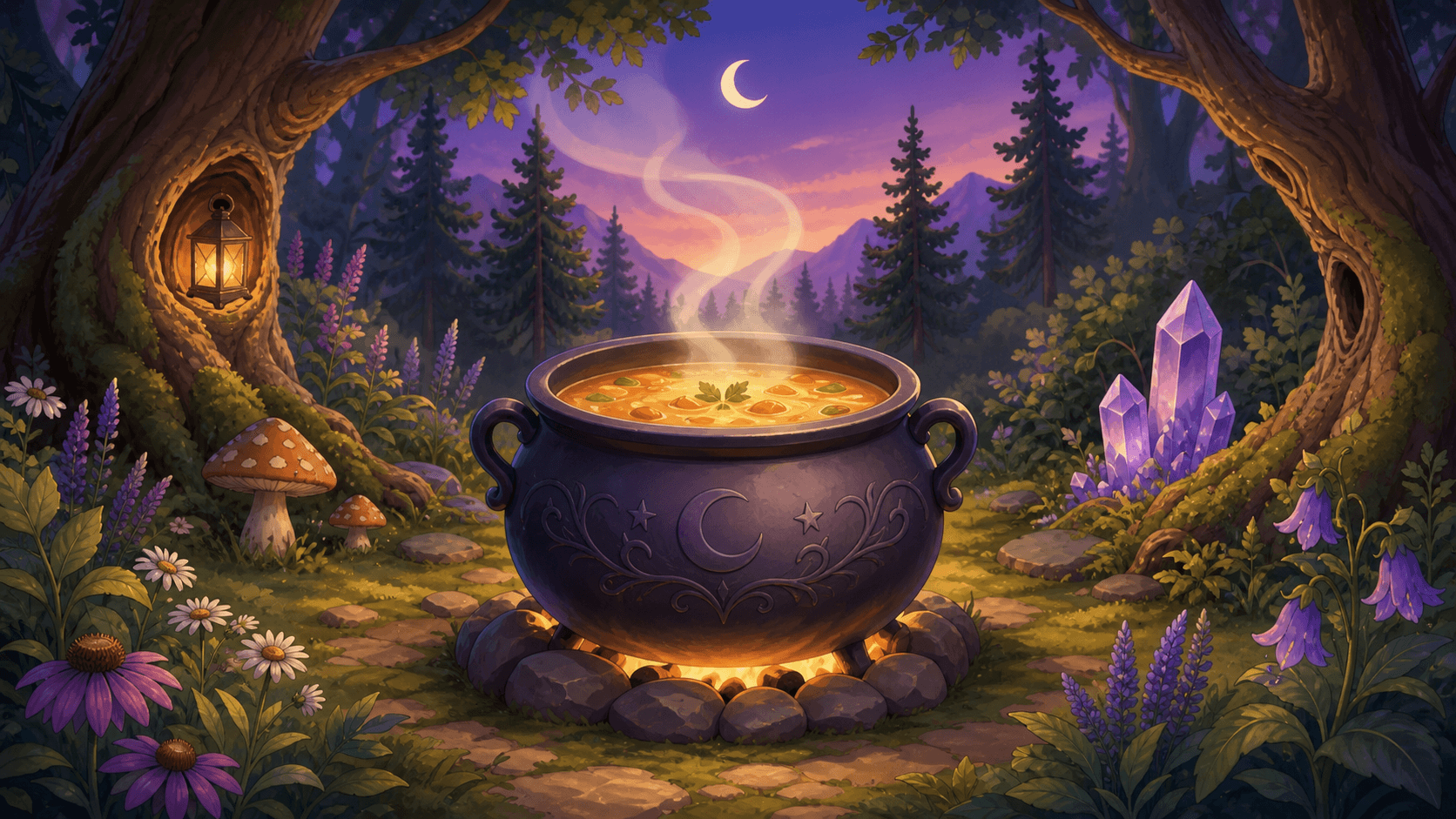
Gardening, ingredients, and crafting
Plant seeds, harvest ingredients, learn recipes, and use the Grove's cauldrons.
Fairy Garden
Seeds grow through planted, watered, and harvestable states. Harvested materials support food, crafting, quests, and friendship systems.
- Buy or earn seeds, then plant them in an available garden plot.
- Water growing plants when the action is available.
- Harvest completed plants to move their ingredients into Inventory.
Recipes and cauldrons
Recipes define required ingredients and the item produced. Different crafting destinations specialize in different outputs.
- Soup Cauldron turns eligible ingredients into food recipes.
- Fairy Cauldron uses Fairy-related recipes and ingredients.
- Wizard Tower contains its own unlockable crafting recipes.
- A recipe remains unavailable until both the recipe and required quantities are owned.

Shops, stock, and trading
Understand shop rotation, the full catalog, auctions, Flea Market offers, gifts, wishlists, and player shops.
NPC shops and rotation
The Marketplace hub links to permanent shop categories. The items visible inside a shop are the current stock, not the complete collectible catalog.
- Stock quantity shows how many copies are available in the current shop selection.
- Some shops rotate eligible items, so an active catalog item may not be stocked today.
- The Field Guide shows the broader active collection even when an item is not in a shop rotation.
Player markets
Player shops, auctions, and Flea Market listings use inventory owned by other players. Availability depends on active listings.
- Player shops provide fixed-price item and Witchie listings.
- Auctions support bids, watched listings, and eligible buy-now offers.
- Flea Market offers can exchange listed goods through a proposal and acceptance flow.
- Gifting sends owned items, Witchies, or supported currency directly to another player.
Wishlists
Wishlists organize items you want without reserving stock or creating a purchase. They are a planning and sharing tool.
- Add eligible items from their item or marketplace surfaces.
- An item remaining on a wishlist does not mean it is currently for sale.
Quests, achievements, and seasons
Track short goals, long-term milestones, Monthly Care, and Seasonal Grimoire chapters.
Quests and achievements
Quests provide current objectives, while achievements record longer milestones across care, collecting, games, and exploration.
- Quest progress updates when the matching game action is recorded.
- Some achievement rewards must be claimed after the milestone unlocks.
- The Field Guide achievement tab shows locked, unlocked, and claimable entries.
Monthly Care
Monthly Care fills through routine care and garden actions. It is separate from Premium and resets on its monthly schedule.
- Petting and feeding Witchies can add progress.
- Helping a friend, watering plants, and harvesting plants can add progress.
- Rewards may include Coins, Essence, and optional collector rewards.
Seasonal Grimoire
Each active chapter contains daily, weekly, and chapter objectives. Those tasks award Moonmarks used across the chapter's reward pages.
- Free and premium reward paths can contain different rewards.
- Moonmarks belong to seasonal progression and are shown in the header.
- Review task timing before relying on an objective that resets daily or weekly.
Training Academy, duels, and games
Build skills, prepare a duel loadout, and understand game costs, limits, scores, and rewards.
Training Academy
Training Academy builds Witchie skills and prepares eligible Witchies for combat and duel progression.
- Academy activities and exams can require prior progress.
- Training options depend on the Witchie and available progression state.
- Weapons and supported consumables are configured in the duel loadout.
Duels
The Duel hub gathers NPC challenges, player challenges, loadouts, logs, and the Arena. Combat actions and rewards are recorded server-side.
- Set a valid loadout before entering encounters that require equipment.
- NPC ladders provide structured progression independent of another online player.
- Battle logs explain completed turns and outcomes.
Games and daily limits
The Games hub lists every current game with its core action. Individual games may use Coins, daily attempts, score rewards, or leaderboards.
- Read the cost shown on the game before confirming a paid play.
- Wheel and divination experiences can use a daily cadence.
- Cauldron Chaos and Sigil Merge include score-focused progression and leaderboards.
- Slots and Scratch Cards return their result and reward after a validated play.
Customization and collections
Use Wardrobe, profiles, galleries, cosmetics, Field Guide collections, and public Grove presentation.
Witchie appearance
Wardrobe applies owned presentation items to a Witchie. These visual choices do not consume the equipped item or change gameplay species data.
- Realms provide the scene behind a Witchie.
- Foregrounds layer decorative elements in front of the portrait.
- Cosmetics add supported wearable or visual accents.
Profiles and galleries
Profile settings control the public player page. Galleries organize selected collection items into sections for presentation.
- Name cards style supported profile and shop surfaces.
- Profile writing fields support the documented BBCode and shortcodes.
- Gallery sections can be created and populated from owned items.
Field Guide collections
Field Guide tracks discovered Witchies, spell pages, tarot cards, books, and achievements. Undiscovered entries remain hidden until their collection condition is met.
- Use Owned and Undiscovered filters to focus the Witchie archive.
- Collection counts measure unique entries, not total duplicate quantity.
Settings, safety, and support
Manage account preferences, notifications, Premium, privacy, reports, blocks, and support requests.
Account and notification settings
Settings contains account, profile, and notification preferences. Use the dedicated password recovery flow when login credentials are unavailable.
- Account settings manage supported account-level controls.
- Profile settings change public presentation.
- Notification settings control supported alert categories.
- Premium subscription details live under Account Subscription.
Safety tools
Use the reporting and blocking tools when another player or piece of content needs attention. Reports go to the moderation queue and should include the relevant context.
- Blocking limits supported interaction with the selected player.
- Use Report for content or behavior that needs moderator review.
- Never include passwords, payment credentials, or private secrets in profiles, posts, or support messages.
Get help
Support tickets are the direct route for account or game problems not answered in this Guide. Existing tickets keep their replies and status together.
- Describe what you expected, what happened, and the page involved.
- Include a screenshot when the issue is visual or difficult to reproduce.
- Review Terms, Privacy, and Cookies from the site footer.
Account, safety, and support
Manage your account and notifications in Settings. For a problem or a question that is not covered here, send a support ticket.